Interior redesign إعادة تصميم داخلي İç mekan yeniden tasarımı
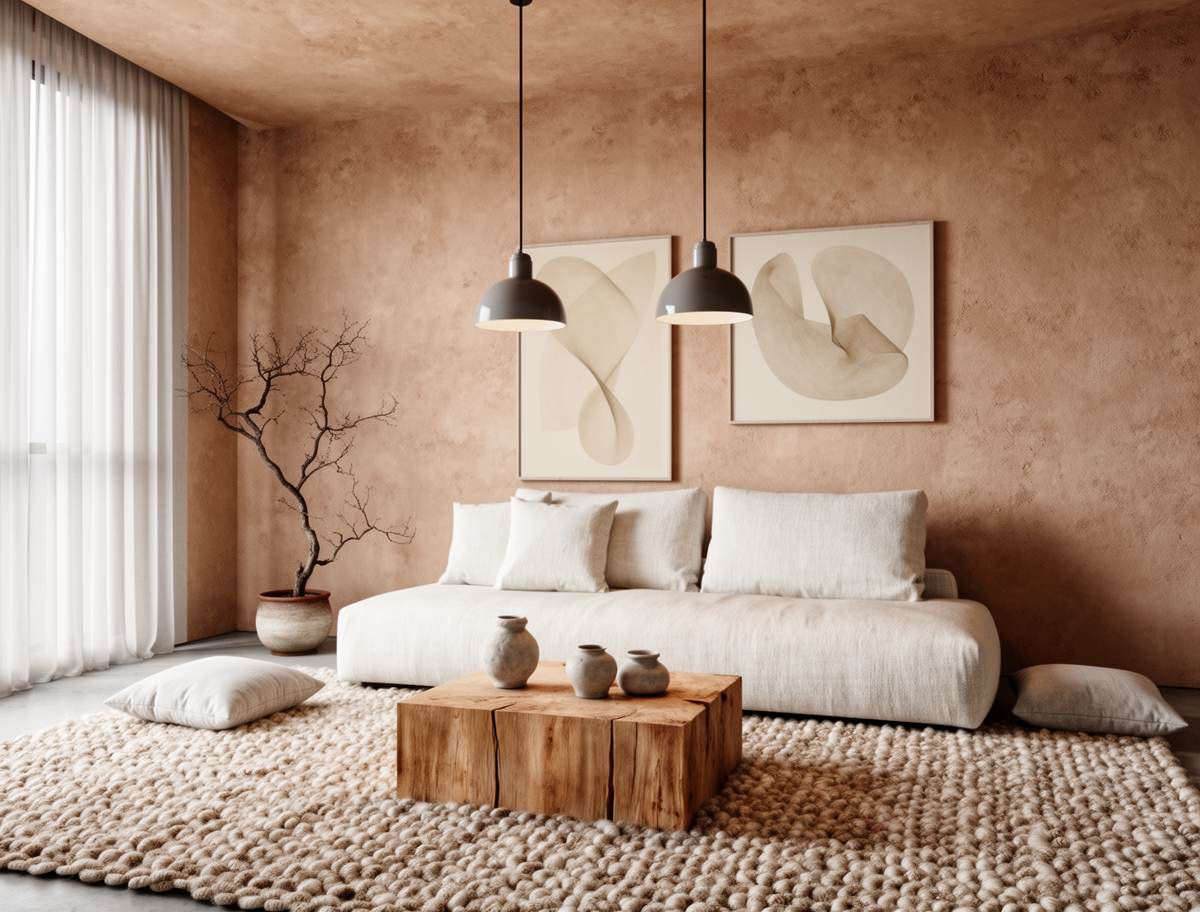
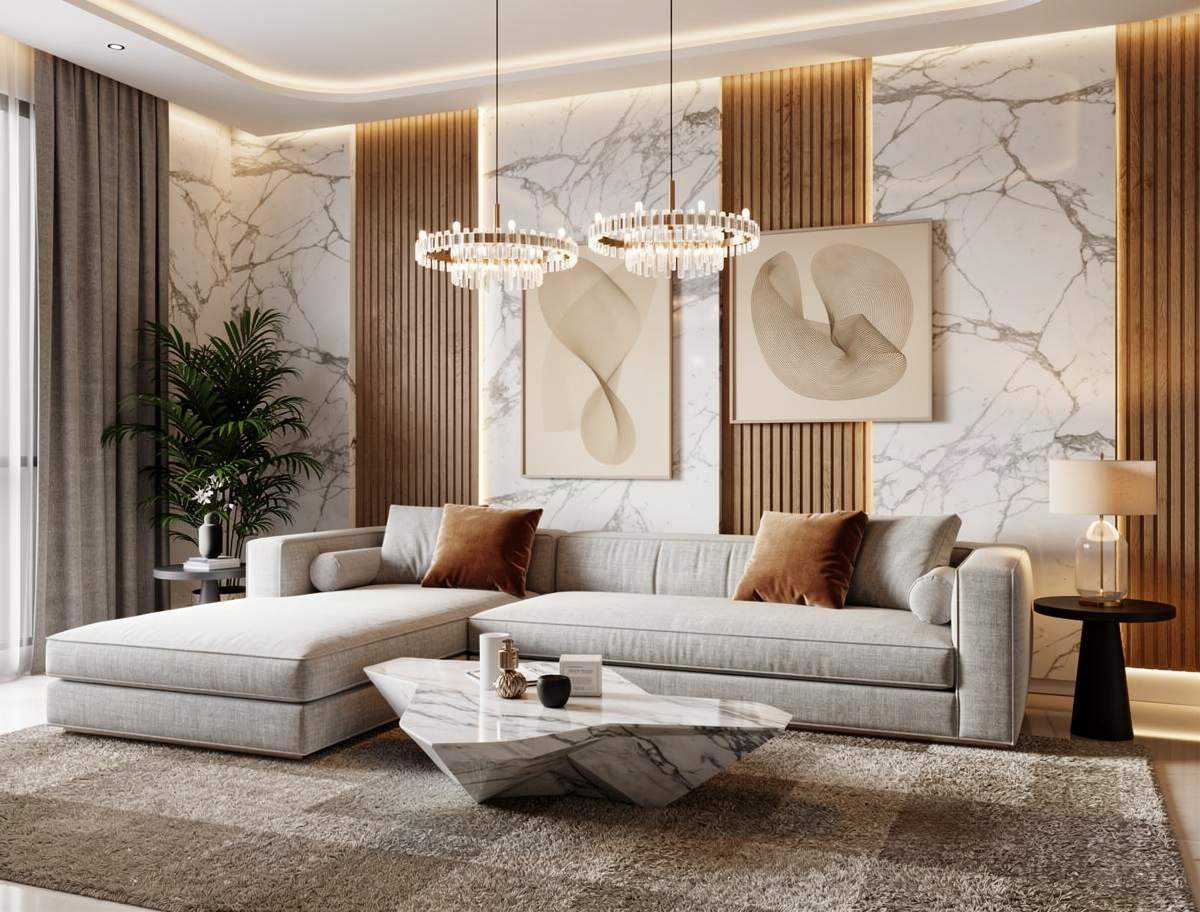
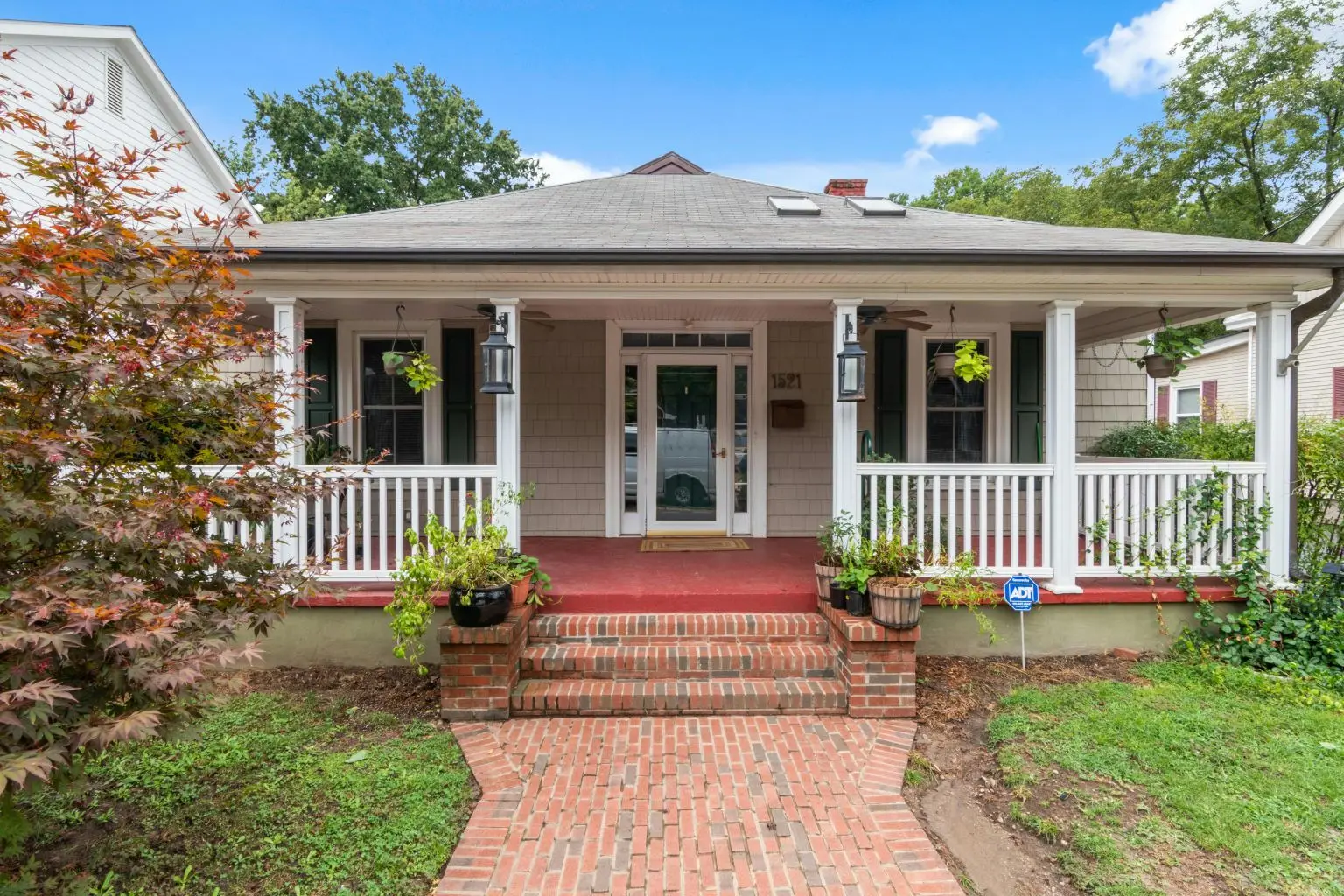
Transform your ideas into stunning room, garden, exterior, and office designs in seconds. Upload a photo, choose a style, and let Roomix AI create realistic results.
اختر نوع المساحة وشاهد أفكاراً واقعية للتصميم الداخلي والخارجي والحدائق، ثم انتقل مباشرة لإنشاء تصميمك.
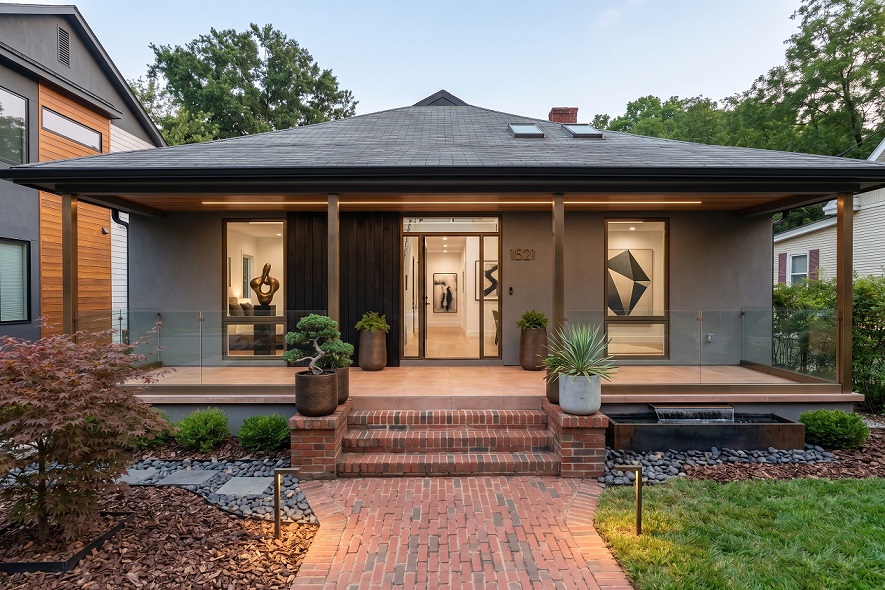
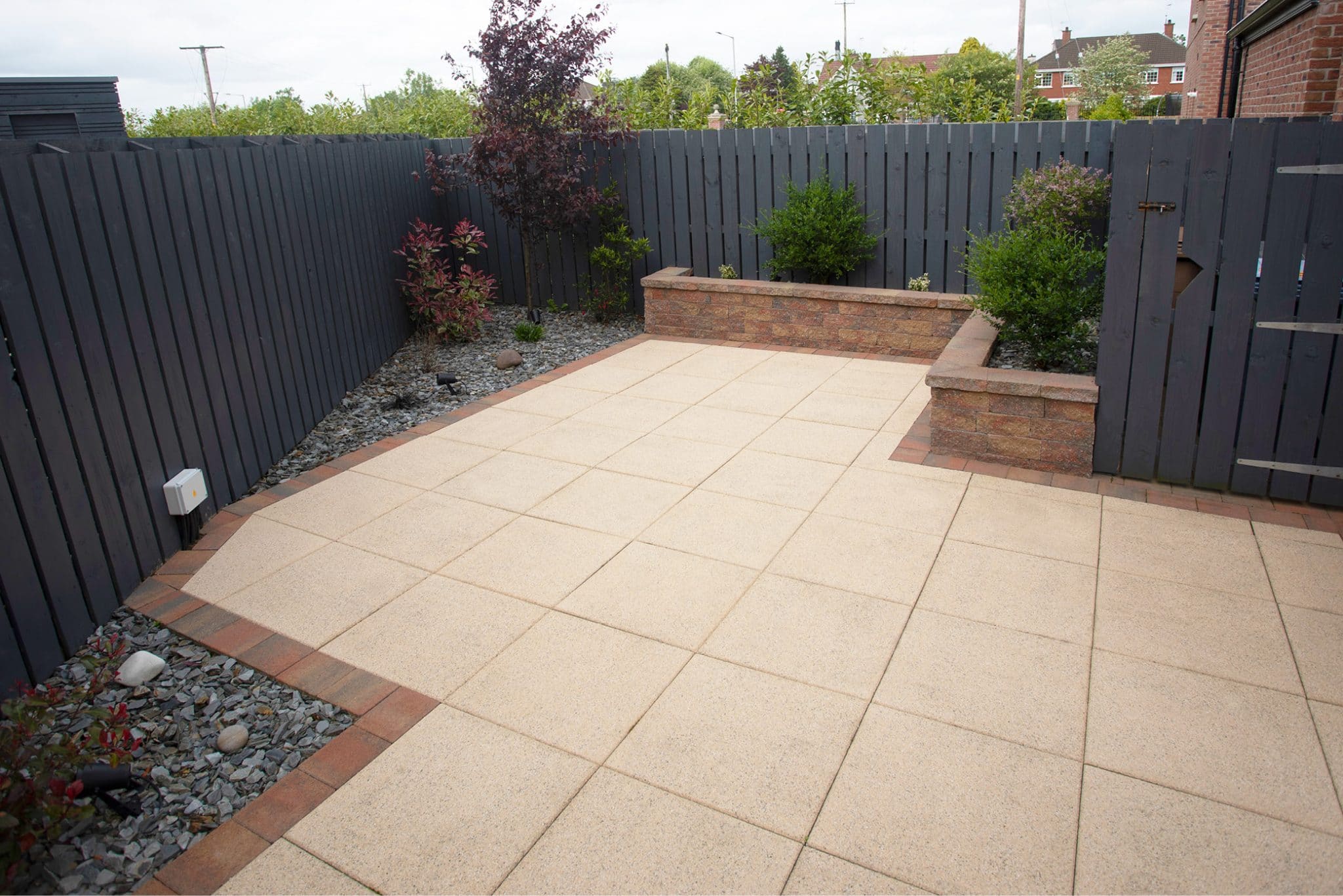
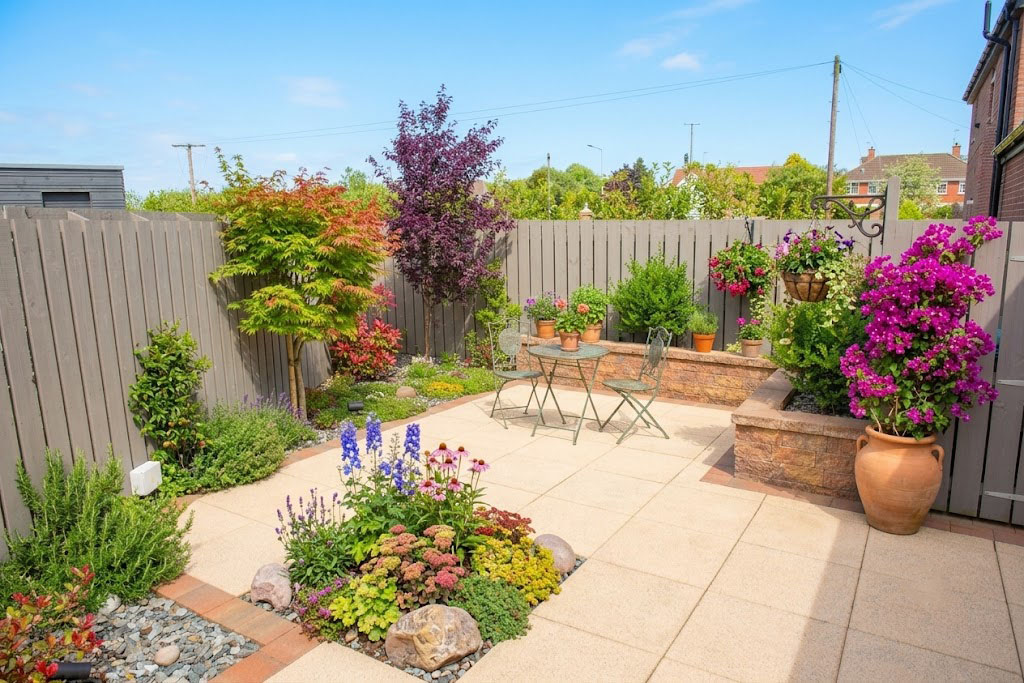
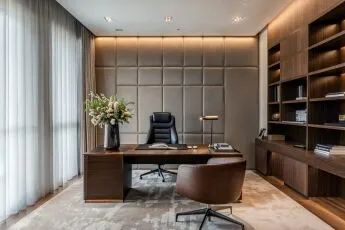
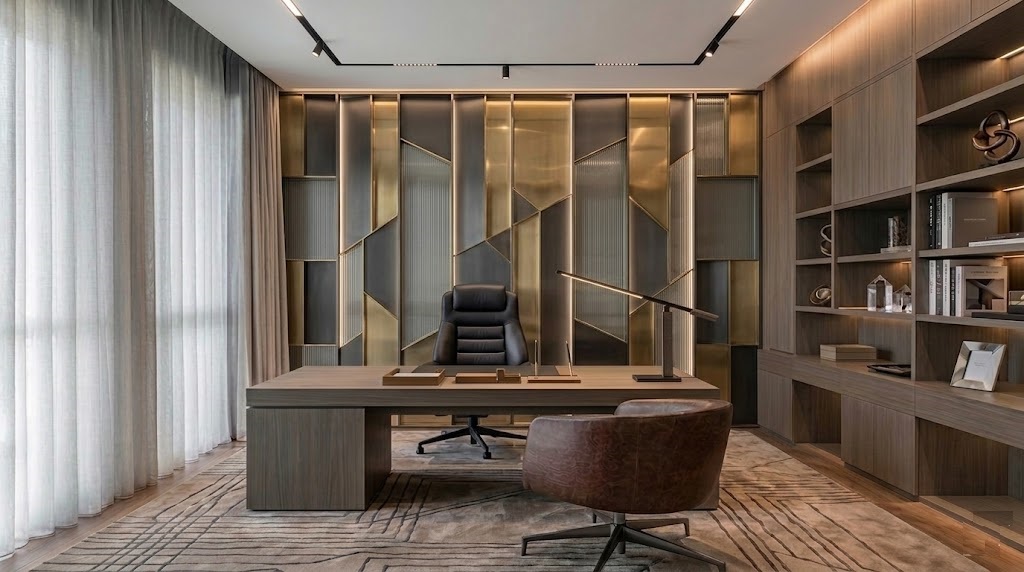
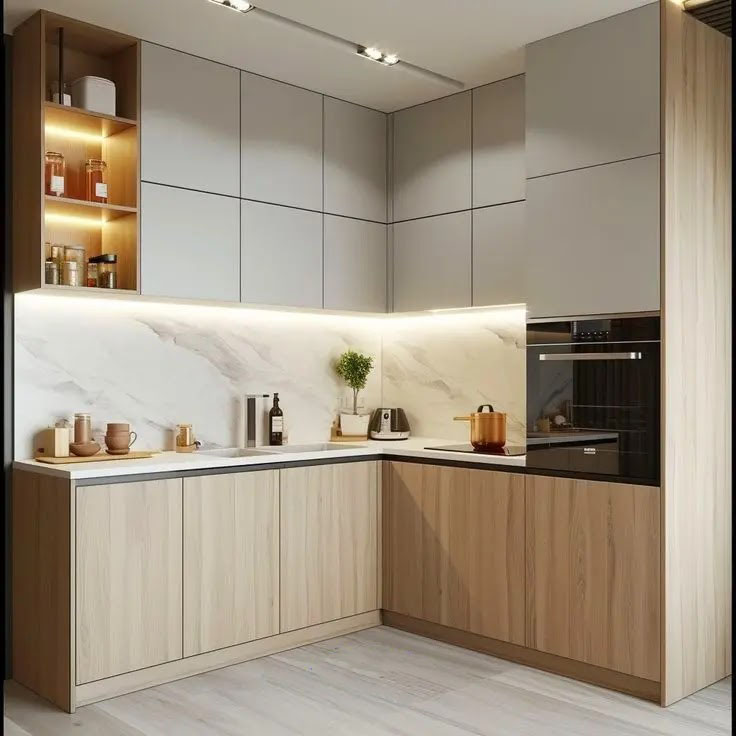
Compare before and after ideas for interiors, exteriors, gardens, and more. قارن أفكار قبل وبعد للتصميم الداخلي والخارجي والحدائق وأكثر. İç mekan, dış cephe, bahçe ve daha fazlası için önce/sonra fikirlerini karşılaştır.
Quick answers about creating realistic AI home designs online.
Upload a room, exterior, garden, or office photo, choose the type of change you want, select a style, and Roomix AI generates a realistic redesign concept from your image.
You can start online with the available free credits or trial access configured for your account. Extra generations may require purchasing credits.
Results are designed to look realistic while preserving the main structure of your uploaded image. They are visual concepts, so final construction details should still be checked by a professional.
Generated designs can be used commercially when your plan and usage rights allow it. Review your account terms before publishing client or paid project work.
Common image formats such as JPG, PNG, and WebP are supported. Clear, well-lit images usually produce better results.
Most generations complete in seconds to a short wait depending on image size, selected model, server load, and design complexity.
ارفع صورة غرفة أو واجهة أو حديقة أو مكتب، اختر نوع التغيير والنمط، ثم يولد Roomix AI تصورًا واقعيًا للتصميم من صورتك.
يمكنك البدء عبر الإنترنت باستخدام الكريدت المجاني أو التجربة المتاحة لحسابك. التوليدات الإضافية قد تحتاج إلى شراء كريدت.
النتائج مصممة لتبدو واقعية مع الحفاظ على البنية الأساسية للصورة المرفوعة، لكنها تبقى تصورات بصرية ويجب مراجعة التفاصيل التنفيذية مع مختص.
يمكن استخدام التصاميم تجاريًا عندما تسمح خطتك وحقوق الاستخدام بذلك. راجع شروط حسابك قبل نشر أعمال للعملاء أو مشاريع مدفوعة.
يدعم الموقع الصيغ الشائعة مثل JPG و PNG و WebP. الصور الواضحة والمضاءة جيدًا تعطي نتائج أفضل.
معظم التوليدات تكتمل خلال ثوانٍ أو وقت قصير حسب حجم الصورة والنموذج المختار وحمل الخادم وتعقيد التصميم.
Bir oda, dış cephe, bahçe veya ofis fotoğrafı yükleyin, değişiklik türünü ve stili seçin; Roomix AI görselinizden gerçekçi bir tasarım konsepti üretir.
Hesabınız için tanımlanan ücretsiz krediler veya deneme hakkı ile başlayabilirsiniz. Ek üretimler kredi satın almayı gerektirebilir.
Sonuçlar, yüklediğiniz görselin ana yapısını koruyarak gerçekçi görünmek üzere hazırlanır. Bunlar görsel konseptlerdir; uygulama detayları uzman tarafından kontrol edilmelidir.
Planınız ve kullanım haklarınız izin verdiğinde tasarımlar ticari projelerde kullanılabilir. Müşteri veya ücretli işlerde yayınlamadan önce hesap şartlarını kontrol edin.
JPG, PNG ve WebP gibi yaygın görsel formatları desteklenir. Net ve iyi aydınlatılmış görseller daha iyi sonuç verir.
Çoğu üretim; görsel boyutu, seçilen model, sunucu yoğunluğu ve tasarım karmaşıklığına bağlı olarak saniyeler veya kısa bir bekleme içinde tamamlanır.
اختر الباقة المناسبة لتوليد تصاميم داخلية وخارجية وحدائق بجودة عالية. يمكنك البدء مجاناً ثم الترقية حسب احتياجك.
It is a tool that uses artificial intelligence to create downloadable 3D model files from text prompts, images, or sketches.
You upload a clear object or furniture image, and the system uses it as a visual reference to estimate shape, proportions, and surface details for a 3D model.
Yes. Text to 3D lets you describe the object, shape, material, style, and color, then generates a new 3D model from that description.
GLB is a compact 3D file format that can include geometry, materials, and textures in one file. It is widely used for web 3D viewers, AR previews, and product visualization.
Generation time depends on input type, model complexity, and server load. Simple models may finish faster, while detailed or PBR-enabled models can take longer.
Normal is the balanced default for most 3D models. It usually keeps more visual detail and is suitable for product previews, furniture, decor, and general design use.
LowPoly creates a lighter, simplified mesh with fewer polygons. It is useful for faster loading, mobile viewing, games, AR previews, and cases where file size matters. It may reduce fine geometric detail, but it is not always cheaper because pricing depends on the generation provider.
Geometry focuses mainly on the model shape and structure, often with simpler material or texture output. It is useful for early concepts, clean forms, and workflows where you want the base 3D shape before adding detailed materials later.
Enable PBR Materials when you want richer surface response such as roughness, metallic feel, or more realistic material lighting. It can increase processing cost and file size, so keep it off for fast previews.
Text to 3D follows your written description. Image to 3D uses the uploaded object as the main reference. Sketch to 3D is best for early concepts where shape matters more than texture.
Each input type and generation type has a credit cost configured by the admin. PBR Materials is an optional extra credit cost added only when the customer turns it on before generating.
هو أداة تستخدم الذكاء الاصطناعي لإنشاء ملفات نماذج ثلاثية الأبعاد قابلة للتحميل من وصف نصي أو صورة أو رسم.
ترفع صورة واضحة لعنصر أو قطعة أثاث، ويستخدمها النظام كمرجع بصري لتقدير الشكل والنسب وتفاصيل السطح وإنشاء نموذج 3D.
نعم. ميزة النص إلى 3D تتيح وصف العنصر والشكل والخامة والنمط واللون، ثم تولد نموذجًا ثلاثي الأبعاد بناءً على هذا الوصف.
GLB هو تنسيق ملف ثلاثي الأبعاد مضغوط يمكن أن يحتوي على الهندسة والخامات والأنسجة في ملف واحد. يستخدم كثيرًا في عارضات 3D على الويب والمعاينة بالواقع المعزز وعرض المنتجات.
يعتمد الوقت على نوع الإدخال وتعقيد النموذج وحمل الخادم. النماذج البسيطة قد تنتهي أسرع، بينما النماذج التفصيلية أو المفعّل فيها PBR قد تستغرق وقتًا أطول.
Normal هو الخيار الافتراضي المتوازن لمعظم نماذج 3D. غالبًا يحافظ على تفاصيل بصرية أكثر، وهو مناسب لمعاينة المنتجات والأثاث والديكور والاستخدامات العامة في التصميم.
LowPoly ينشئ مجسمًا أخف ومبسّطًا بعدد مضلعات أقل. يفيد في التحميل الأسرع، والعرض على الهاتف، والألعاب، ومعاينات الواقع المعزز، والحالات التي يكون فيها حجم الملف مهمًا. قد يقلل بعض التفاصيل الهندسية الدقيقة، لكنه ليس دائمًا أرخص لأن السعر يعتمد على مزود التوليد.
Geometry يركز بشكل أساسي على شكل النموذج وبنيته، وغالبًا ينتج خامات أو تفاصيل سطح أبسط. يفيد للأفكار الأولية والأشكال النظيفة وسير العمل الذي تحتاج فيه إلى الشكل الأساسي للنموذج قبل إضافة خامات تفصيلية لاحقًا.
فعّل PBR Materials عندما تريد خامات أغنى مثل الخشونة واللمعان والإحساس المعدني وإضاءة مواد أكثر واقعية. قد يزيد التكلفة وحجم الملف، لذلك اتركه مغلقًا للمعاينات السريعة.
النص إلى 3D يتبع الوصف المكتوب. الصورة إلى 3D تستخدم العنصر المرفوع كمرجع أساسي. الرسم إلى 3D مناسب للأفكار الأولية عندما يكون الشكل أهم من الخامة.
لكل نوع إدخال ونوع توليد تكلفة كريدت يحددها الأدمن. إضافة PBR Materials لها تكلفة كريدت إضافية لا تُضاف إلا إذا فعّلها العميل قبل التوليد.
Metin açıklamaları, görseller veya eskizlerden indirilebilir 3D model dosyaları oluşturmak için yapay zeka kullanan bir araçtır.
Net bir obje veya mobilya görseli yüklersiniz. Sistem bu görseli referans alarak şekli, oranları ve yüzey detaylarını tahmin eder ve 3D model üretir.
Evet. Text to 3D ile objeyi, şekli, malzemeyi, stili ve rengi tarif edebilir, bu açıklamadan yeni bir 3D model oluşturabilirsiniz.
GLB; geometri, malzeme ve dokuları tek dosyada tutabilen kompakt bir 3D dosya formatıdır. Web 3D görüntüleyiciler, AR önizlemeleri ve ürün görselleştirme için yaygın kullanılır.
Süre giriş türüne, model karmaşıklığına ve sunucu yoğunluğuna bağlıdır. Basit modeller daha hızlı tamamlanabilir; detaylı veya PBR açık modeller daha uzun sürebilir.
Normal, çoğu 3D model için dengeli varsayılan seçenektir. Genellikle daha fazla görsel detayı korur ve ürün önizlemeleri, mobilya, dekor ve genel tasarım kullanımları için uygundur.
LowPoly, daha az poligona sahip daha hafif ve sadeleştirilmiş bir mesh oluşturur. Daha hızlı yükleme, mobil görüntüleme, oyunlar, AR önizlemeleri ve dosya boyutunun önemli olduğu durumlar için kullanışlıdır. İnce geometrik detayları azaltabilir, ancak fiyat üretim sağlayıcısına bağlı olduğu için her zaman daha ucuz değildir.
Geometry, ağırlıklı olarak modelin şekline ve yapısına odaklanır; genellikle daha basit malzeme veya doku çıktısı verir. İlk konseptler, temiz formlar ve detaylı malzemeleri daha sonra eklemek istediğiniz iş akışları için uygundur.
Daha zengin yüzey tepkisi, pürüzlülük, metal hissi veya daha gerçekçi malzeme ışığı istediğinizde PBR Materials açılabilir. Maliyeti ve dosya boyutunu artırabileceği için hızlı önizlemelerde kapalı tutun.
Text to 3D yazılı açıklamayı takip eder. Image to 3D yüklenen objeyi ana referans olarak kullanır. Sketch to 3D, dokudan çok formun önemli olduğu erken konseptler için uygundur.
Her giriş türü ve üretim türü için kredi maliyeti admin tarafından belirlenir. PBR Materials, sadece müşteri üretimden önce açarsa eklenen ayrı bir kredi maliyetidir.