
Set land width, depth, floors, project type, and room quantities in one focused form.
AI Building Planner
Create Building Plans and Realistic Renders in Minutes
Enter land dimensions, project type, floors, and required rooms. Roomix AI generates five planning options, lets you furnish the layout, and turns the selected plan into a realistic AI render.
5 plan options
Furniture step
Realistic render
Villas, homes, shops
From Requirements to a Visual Plan
Building Planner helps clients and designers explore early layouts before final architectural drawings.
Generate five alternative concepts with built area, open space, and circulation notes.
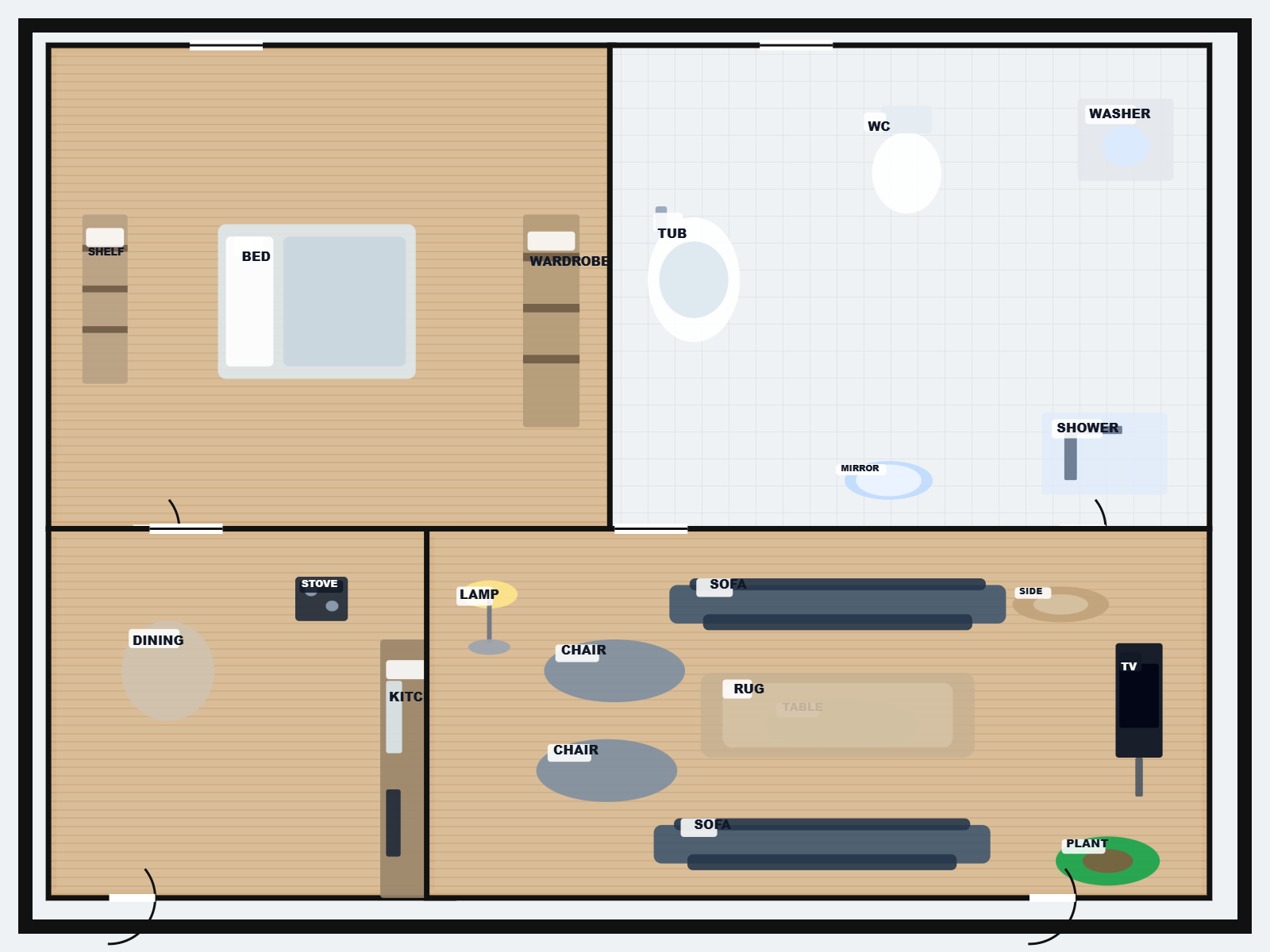
Place beds, sofas, kitchens, tables, bathrooms, storage, and more before rendering.
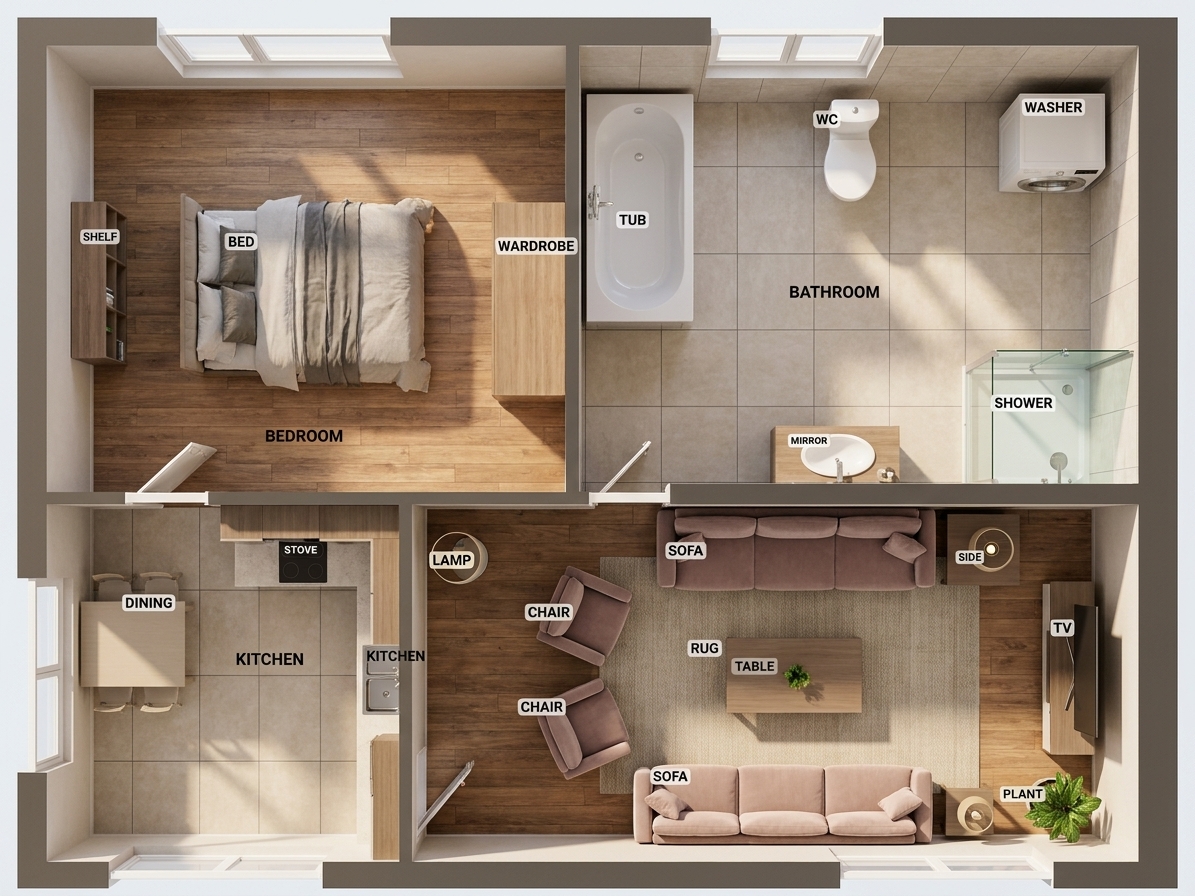
Convert the selected plan into a top-down realistic AI render for presentations.
How Building Planner Works
A simple workflow for turning early project requirements into clear visual concepts.
- 01Enter project needs
Choose land size, floors, building type, and the room types you need.
- 02Pick a plan
Review five generated options and select the most suitable concept.
- 03Furnish and render
Add furniture, inspect the prompt, then create a realistic AI plan render.
Useful for Early Architecture Decisions
Use it to communicate ideas faster before moving into formal engineering drawings.
Villa concepts
Explore room distribution, circulation, and open spaces for villa projects.
Apartment layouts
Create apartment building concepts with private rooms, service zones, and shared paths.
Client presentations
Show clients a clear before-design planning direction with realistic rendered output.
Ready to Plan Your Building?
Open the Roomix AI dashboard and generate your first planning options.
Open Building Planner